Actions
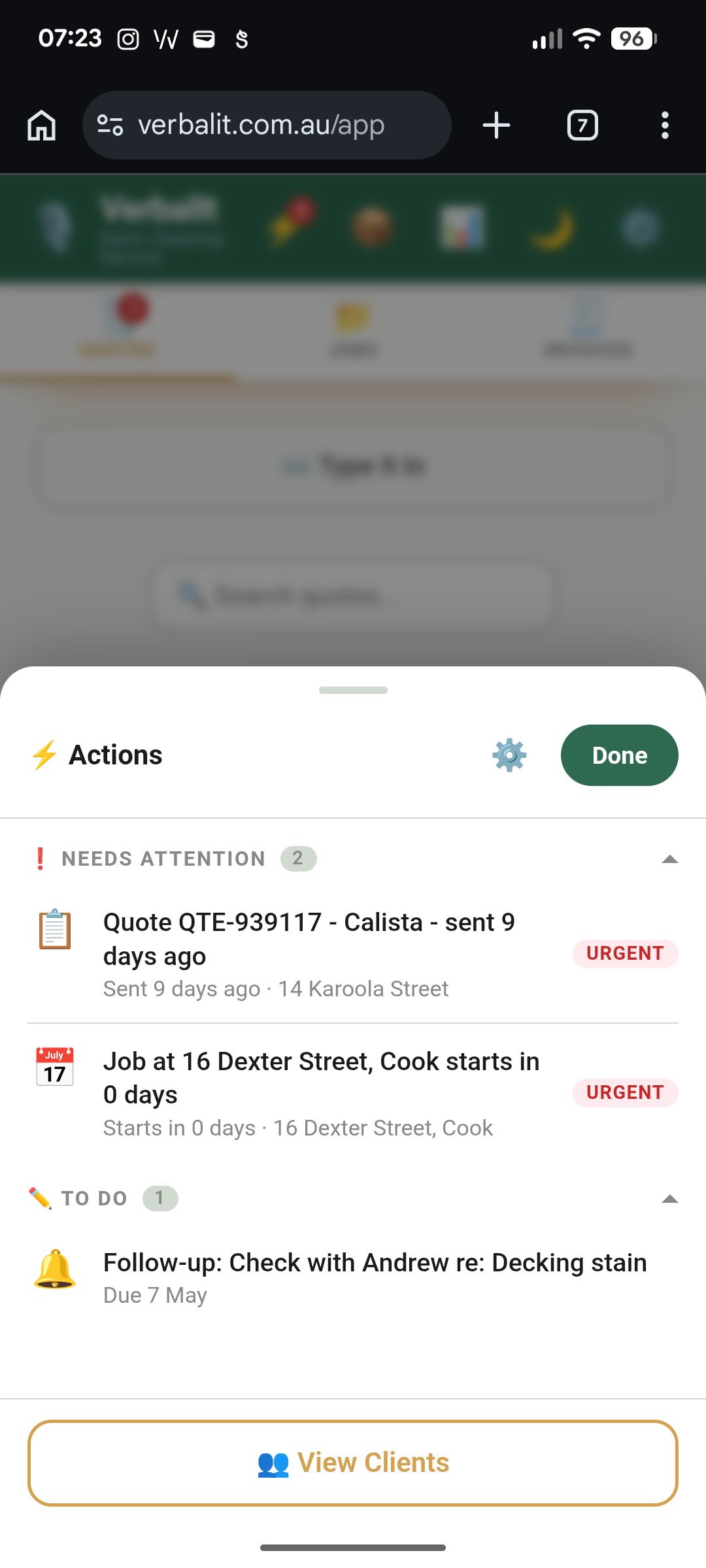
Your to-do list that builds itself.
You don't create actions. VerbalIt creates them for you. Overdue invoices, quotes that haven't been approved, follow-up reminders that are due — Actions collects everything that needs your attention and puts it in one place.
Tap the ⚡ icon at the top of the app. If there's a number on it, something needs a look. If it's clear, you're on top of everything.
No more mental load. No more "I'll remember to chase that up." It's already there.
Clients
Every customer you quote or invoice is saved automatically.
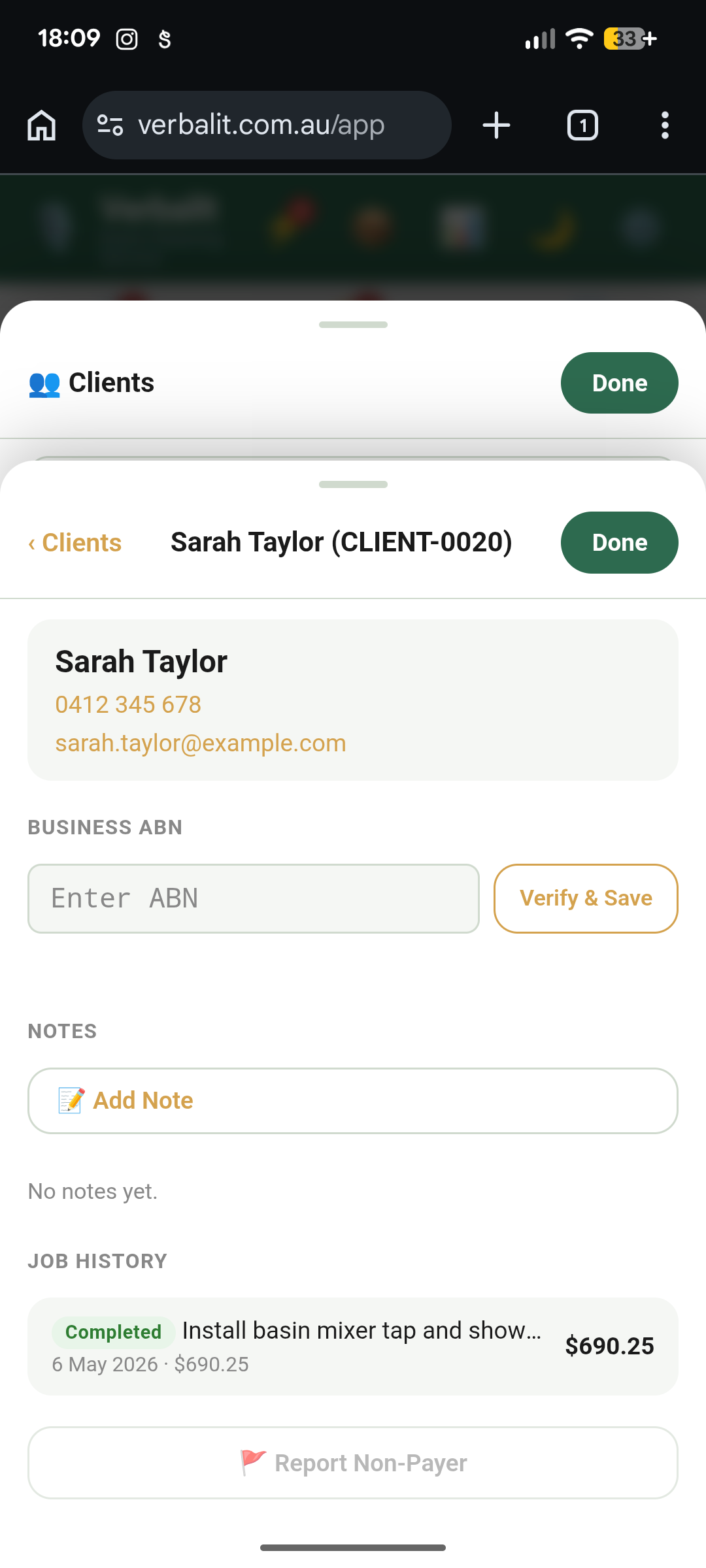
Open Clients from the Actions panel and you'll see everyone you've dealt with — name, contact details, job history, the lot.
Tap a client to see their full timeline: every quote, every job, every invoice. Need to requote them or check what you charged last time? It's all there.
You don't need to build a CRM. You already have one.
Insights
Most tradies don't know their real financial position until tax time. Insights changes that.
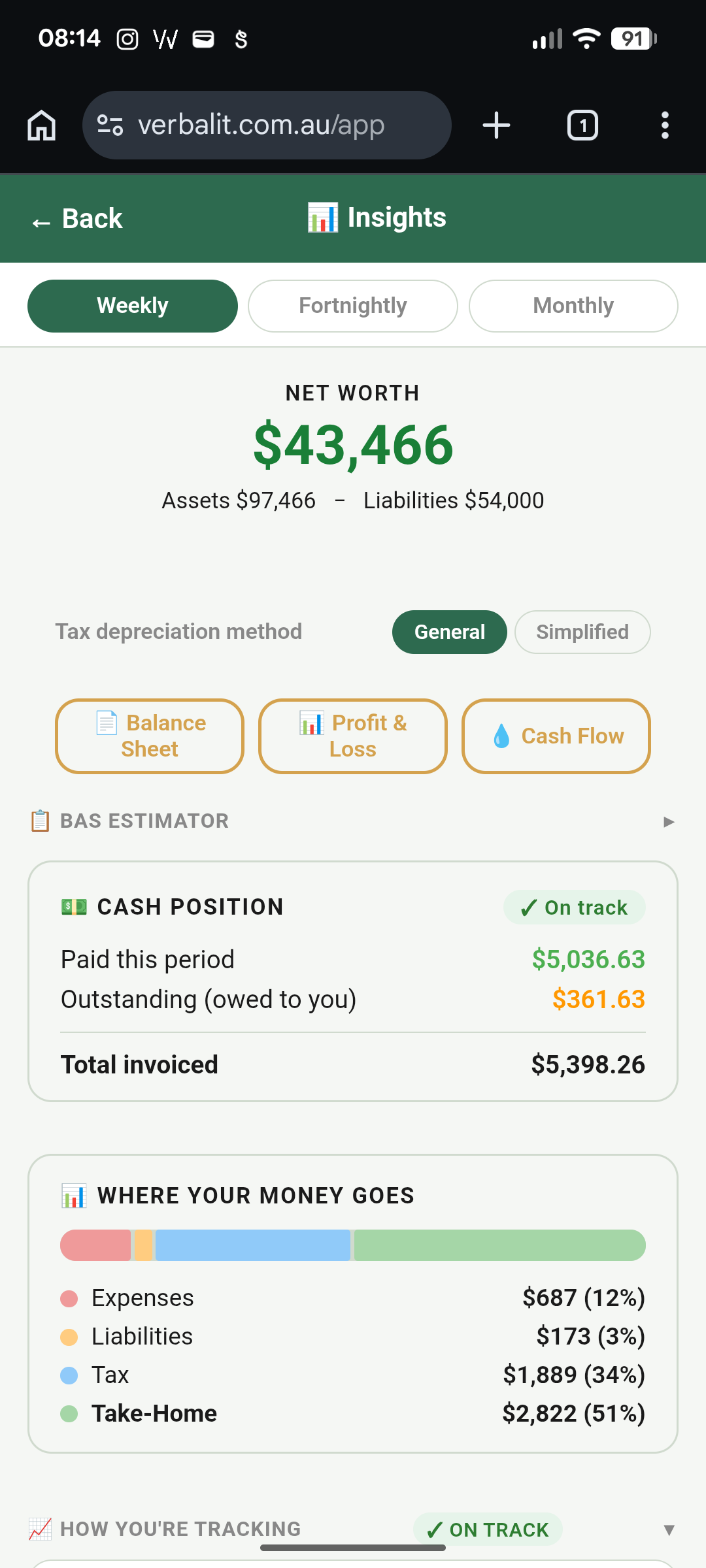
Insights is your analytics dashboard — see how your business is actually tracking, not just what you're turning over. Revenue trends, take-home, burn rate, and tax estimates, updated as you work.
Financial statements, on demand. Generate a Balance Sheet, Profit & Loss, or Cash Flow statement whenever you need one. These aren't simplified summaries — they're real financial reports built from your actual jobs, invoices, and expenses.
Track where the money goes. Revenue coming in, costs going out, and a BAS estimator that tells you your GST position before the quarter ends. No surprises when the ATO comes knocking.
Manage your money in 💰 Finances. Expenses, assets, depreciation, and debts all live in the Finances hub — one tap from your header bar. The numbers flow straight into Insights so your analysis is always current.
You don't need an accountant to understand your own business. VerbalIt puts it in plain English.
Crew
If you've got people working with you, Crew keeps everyone straight.
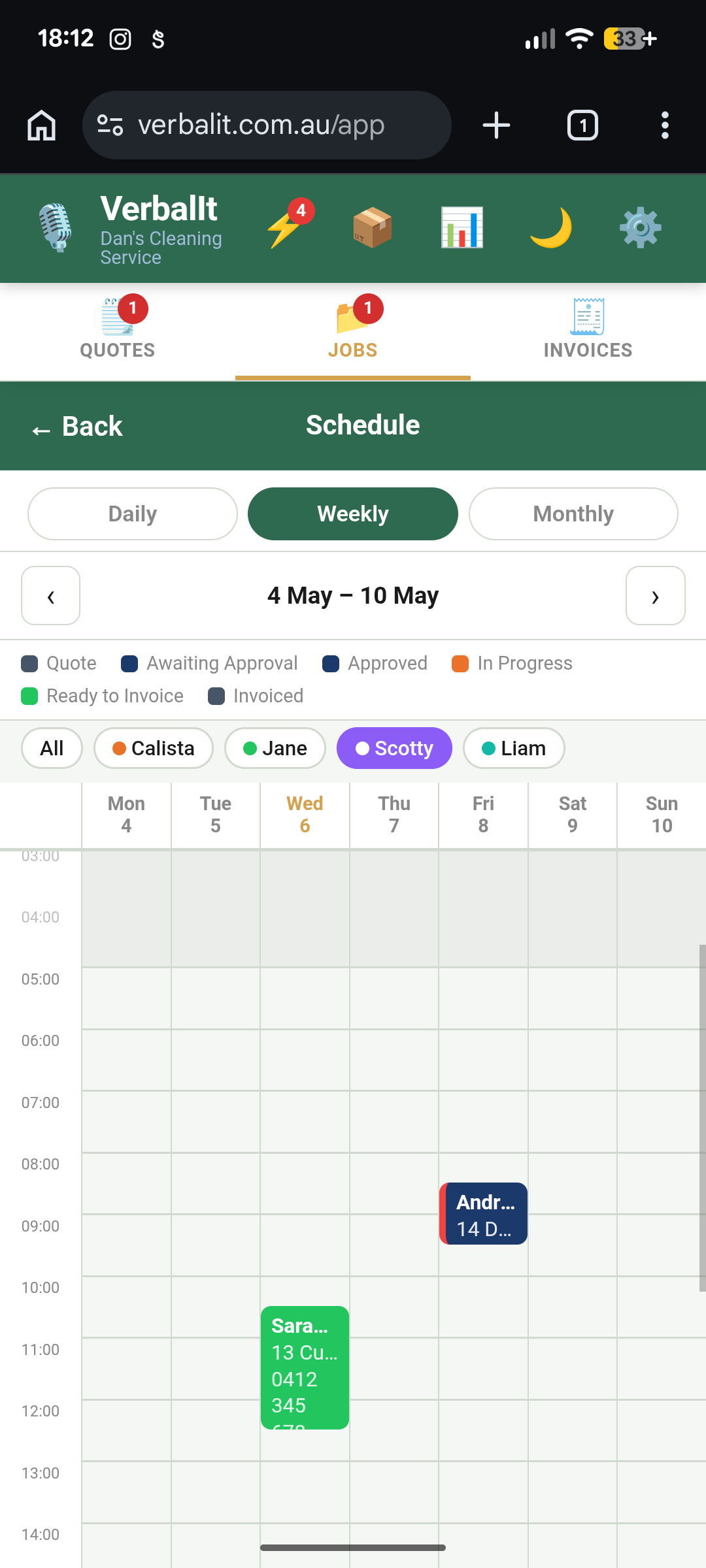
Add your crew members in Resources → Team and you can assign them to jobs. Their names show up on the schedule, and you can filter the calendar to see who's doing what.
Running a one-person show? Skip this entirely. It'll be here when you grow.
Service Offerings
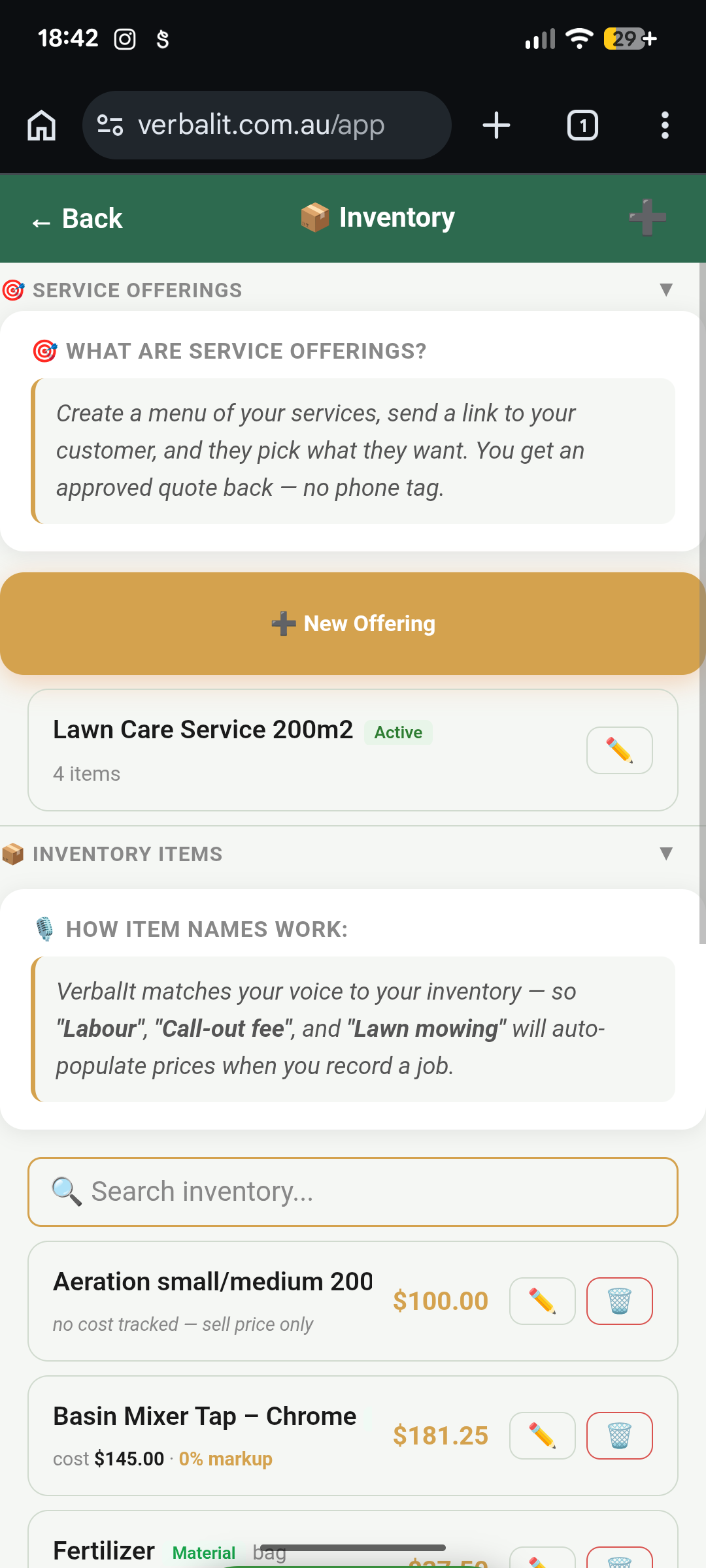
Create a menu of your services and send it to your customer.
Instead of quoting every job from scratch, build a Service Offering — a pre-built package of line items with set prices. Send your customer a link, they pick what they need, and you get an approved quote back.
Think of it like a menu at a restaurant. They browse, they choose, you get the order. No phone tag, no back-and-forth.
You'll find Service Offerings in Resources → Offerings.
Job Photos
Before and after, all in one place.
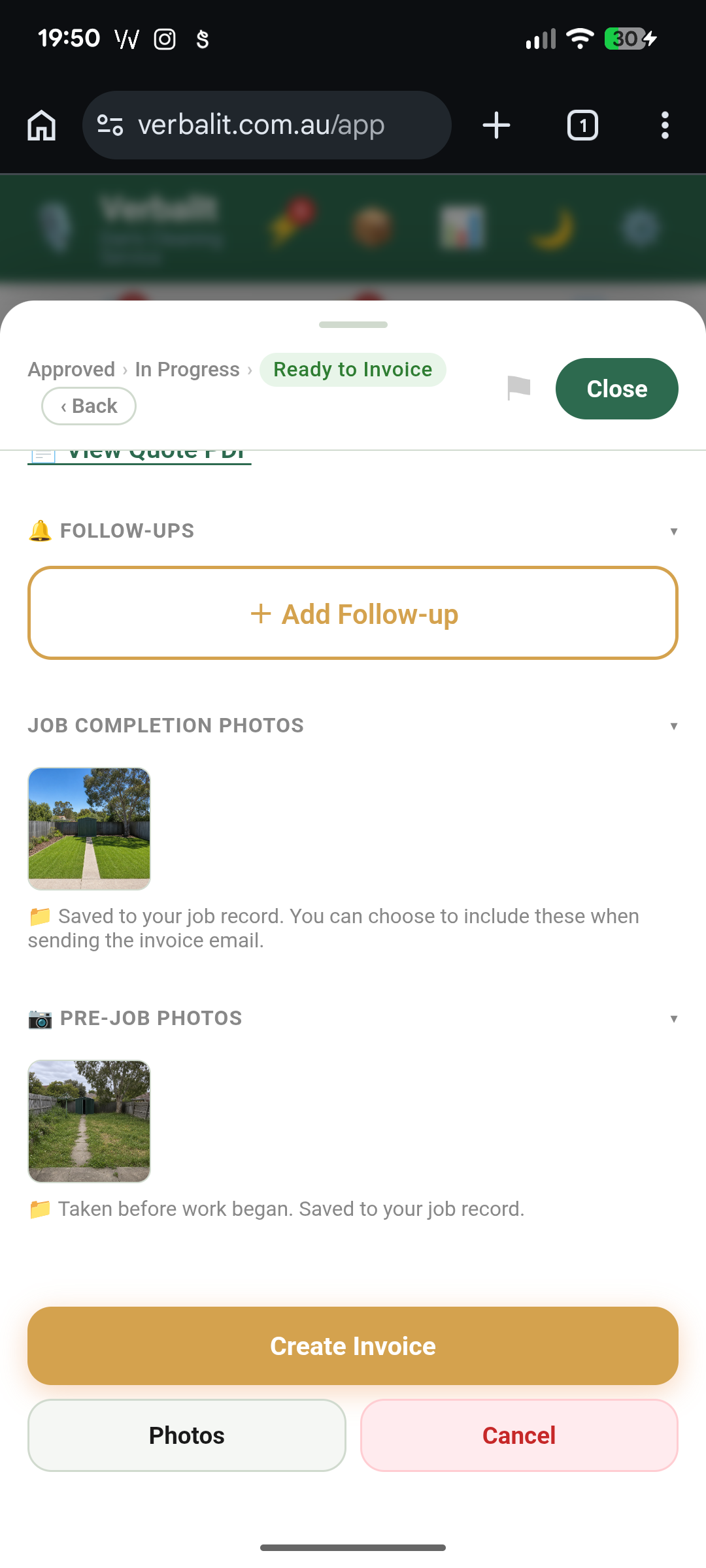
Snap pre-job photos before you start — they're attached to the quote and travel with the job. When the work's done, add completion photos too.
Photos sit alongside your invoice as a tidy record of what was done. Handy for disputes, warranty claims, or just showing off good work.
That's VerbalIt. 🎉
Profile, inventory, voice quoting, job management, invoicing, and everything in between.
The best way to learn it? Use it.